 KO














팁 & 가이드
YouTube channel branding with a cartoon avatar: the complete kit
Profile picture, banner, thumbnails, intro and end screen — how a cartoon avatar ties your channel together and helps viewers remember you.
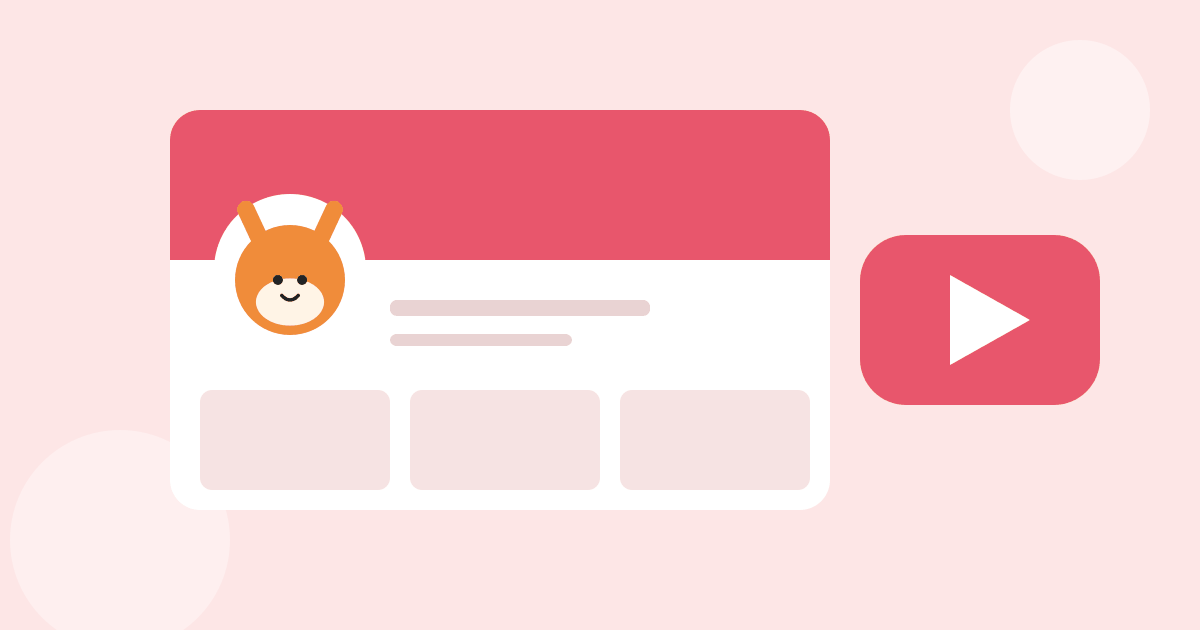
Viewers decide in a second whether to click. A consistent look across your profile picture, banner and thumbnails makes your videos recognisable in a crowded feed — and a cartoon avatar is one of the easiest ways to get there, especially if you prefer not to show your face.
The channel branding kit
- Profile picture: 800×800 px, shown as a circle; keep the face centred and large.
- Banner: 2560×1440 px with the important part in the 1546×423 px safe area.
- Thumbnail template: 1280×720 px; your avatar reacting on one side and big text on the other.
- Watermark: a small square version (150×150 px) for the subscribe button on videos.
- Intro / outro: a short animated loop of the avatar waving.
- End screen: layout with space for two videos and a subscribe element.
Why a cartoon avatar works
- Faceless channels get a face and personality.
- Expressions can be exaggerated for thumbnails — shocked, excited, confused.
- The same character works on merch, stickers and memberships emoji.
Thumbnail tips
- Three elements maximum: face, object, 2–4 words.
- High contrast and a colour that stands out from YouTube’s white and dark themes.
- Test at mobile size — most views come from phones.
Order tip
Ask for an avatar with 6–10 expressions on transparent background. You will reuse them in every thumbnail for years.
관련 글
전체 보기 팁 & 가이드 Comics in content marketing: how brands use comic strips to explain and sell
Short comics explain products, share customer stories and make LinkedIn and Instagram posts people actually read. Formats, ideas and a simple production plan.
 팁 & 가이드 How much does a custom illustration cost? What really affects the price
Complexity, style, usage rights, revisions and deadline — a clear guide to what you pay for when you order a cartoon, logo or mascot, and how to get the best value.
 팁 & 가이드 그래픽 디자이너를 위한 최고의 AI 도구 15가지: 프로젝트별 선택 가이드
그래픽 디자인 AI 도구 15가지의 장단점과 무료 요금제, 일러스트레이션·브랜딩·애니메이션 활용 팁을 알아보세요.