 EN







15 Best AI Tools for Graphic Designers What to Use for Every Creative Project
Discover 15 AI tools for graphic designers, with honest pros and cons, free plans, pricing, and practical tips for illustration, branding, and animation.
 admin_cartoonsazWriter at cartoonsaz
Download PDF
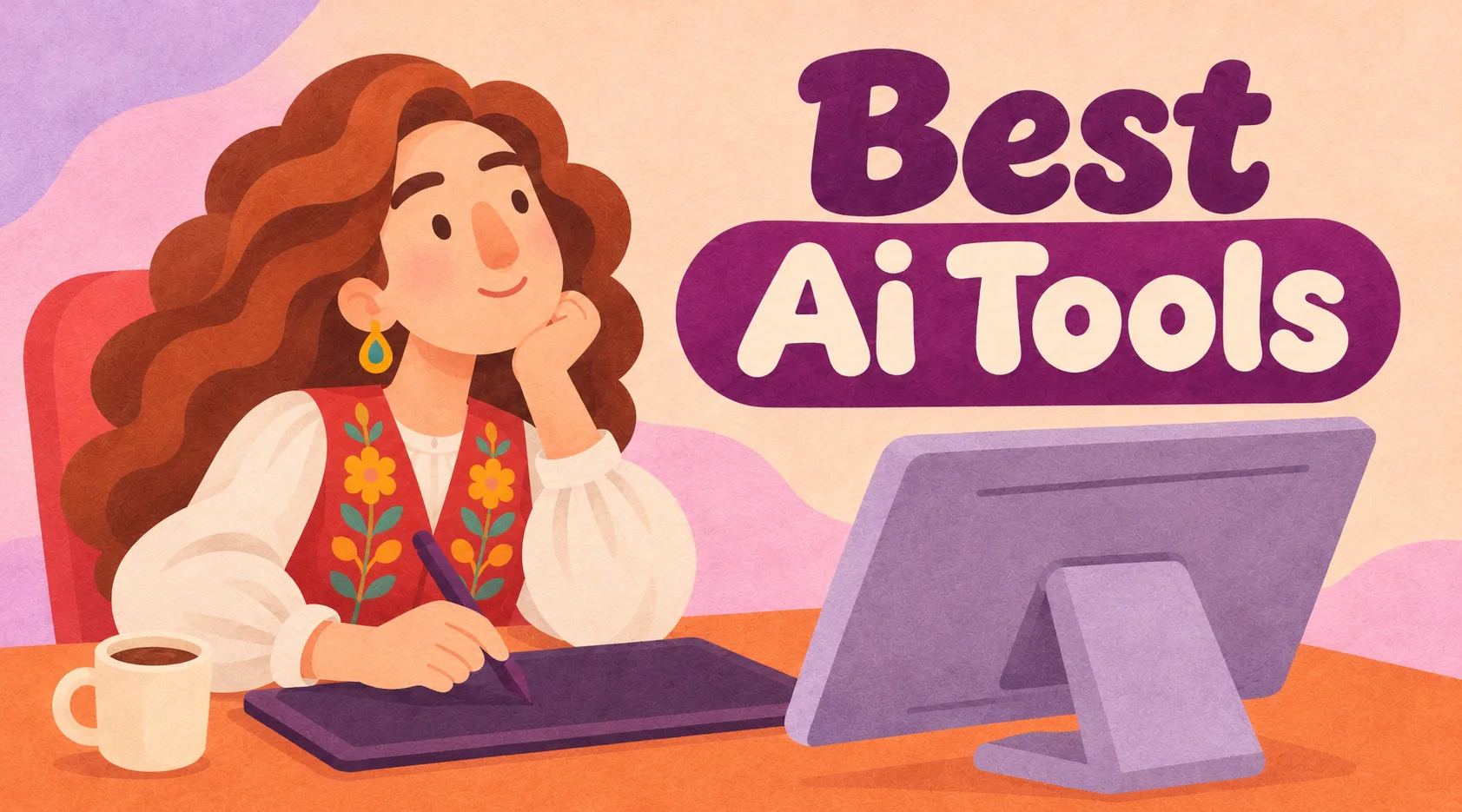
AI can generate impressive visuals in seconds. But creating a beautiful image isn't the same as delivering professional, editable artwork.
A cartoon mascot might look perfect until a client requests another pose. A generated logo might look like vector art but arrive as a flat PNG.
The key is choosing tools based on what you actually need to deliver.
Here are 15 AI design tools worth exploring in 2026, including their strengths, limitations, and free-access options.
Quick Comparison: All 15 AI Design Tools
| # | AI Tool | Best For | Free Access |
|---|---|---|---|
| 1 | Canva | Social media graphics | Yes |
| 2 | Ideogram | Posters and typography | Limited |
| 3 | Kittl | T-shirts and merchandise | Personal use |
| 4 | Recraft | Vector graphics and SVG | Non-commercial |
| 5 | Adobe Firefly | AI image editing | Limited |
| 6 | Midjourney | Artistic concepts | No regular free trial |
| 7 | Leonardo AI | Game and cartoon characters | Yes |
| 8 | ChatGPT | Creative ideas and briefs | Yes |
| 9 | Runway | AI video and animation | Limited |
| 10 | Magnific | Image and video workflows | Limited |
| 11 | Photoroom | Product photography | Yes |
| 12 | Magnific Upscaler | Image enhancement | Plan-dependent |
| 13 | Krea | Visual experimentation | Yes |
| 14 | Figma | UI and website design | Yes |
| 15 | Khroma | Color palettes | Yes |
Free plans and commercial licensing may change. Check official terms before using AI-generated content in paid projects.
The 15 Best AI Tools for Graphic Designers
1. Canva — Best for Social Media Design
Canva helps designers create social media graphics, banners, presentations, and marketing content with editable templates and AI features.
Pros: Fast, beginner-friendly, and great for consistent marketing graphics.
Cons: Popular templates can look generic; complex illustration control is limited.
Free plan: Yes, with premium features available.
Best choice for: Social media managers and small businesses.
2. Ideogram — Best for Posters and Typography
Ideogram specializes in AI-generated images where lettering plays an important visual role.
Pros: Creative text-based compositions and poster ideas.
Cons: Spelling and letter spacing may still need correction.
Free plan: Limited.
Best choice for: Poster designers and advertising creatives.
3. Kittl — Best for Merchandise Design
Kittl combines decorative typography, graphics, and design templates for T-shirts, stickers, and merchandise.
Pros: Accessible tools for print-oriented designs.
Cons: Some designs feel template-based; commercial rights require an eligible plan.
Free plan: Personal use.
Best choice for: Merchandise and print-on-demand designers.
4. Recraft — Best for AI Vector Graphics
Recraft can generate native SVG graphics, making it useful for icons, flat illustrations, and simple vector artwork.
Pros: Scalable vector output.
Cons: Generated paths often require manual cleanup.
Free plan: Non-commercial use.
Best choice for: Illustrators and icon designers.
5. Adobe Firefly — Best for Professional Image Editing
Firefly provides AI-assisted image generation and editing capabilities within Adobe's creative ecosystem.
Pros: Integrates with familiar professional workflows.
Cons: Credit limits and occasional manual retouching.
Free plan: Limited.
Best choice for: Photoshop and Adobe users.
6. Midjourney — Best for Artistic Concepts
Midjourney creates imaginative artwork, concept illustrations, and visual mood boards.
Pros: Strong artistic exploration and compositions.
Cons: Character consistency and editable source files remain challenging.
Free plan: No regular free trial.
Best choice for: Concept artists and creative directors.
7. Leonardo AI — Best for Game Character Concepts
Leonardo helps artists explore character designs, environments, creatures, and game artwork.
Pros: Flexible character-focused image generation.
Cons: Consistent poses require extra work; repeated attempts consume credits.
Free plan: Yes.
Best choice for: Game artists and character designers.
8. ChatGPT — Best for Creative Ideas and Briefs
ChatGPT helps develop creative briefs, refine design requirements, generate visual ideas, and explore concepts through conversation.
Pros: Useful for planning, brainstorming, and iterative feedback.
Cons: Precise image revisions and editable production files remain limitations.
Free plan: Yes, with usage limits.
Best choice for: Designers planning complex creative projects.
9. Runway — Best for AI Video Generation
Runway turns images and prompts into short videos, animated concepts, and promotional clips.
Pros: Fast video experimentation.
Cons: Unpredictable movement, character inconsistencies, and credit consumption.
Free plan: Limited credits.
Best choice for: Video creators and motion designers.
10. Magnific — Best for All-in-One AI Creative Work
Magnific combines image generation, editing, video workflows, and creative resources within one platform.
Pros: Multiple creative workflows in one place.
Cons: Different features consume different amounts of credits.
Free plan: Limited access.
Best choice for: Designers working across multiple content formats.
11. Photoroom — Best for Product Photography
Photoroom simplifies product image editing, background removal, and online store photography.
Pros: Fast background removal and e-commerce workflows.
Cons: Difficult edges and reflective materials may need correction.
Free plan: Yes.
Best choice for: Online sellers and e-commerce designers.
12. Magnific Upscaler — Best for Image Enhancement
Magnific's upscaling functionality enlarges images while generating additional apparent detail.
Pros: Useful for enhancing photographs and textured artwork.
Cons: Can invent details or change the original illustration style.
Free access: Depends on the platform plan.
Best choice for: Photographers and raster artists.
Note: Magnific and Magnific Upscaler are part of the same ecosystem. They are listed separately because general generation and specialist upscaling serve different purposes.
13. Krea — Best for Visual Experimentation
Krea provides tools for rapid image exploration, style experiments, and visual variations.
Pros: Flexible creative experimentation.
Cons: Results can vary, and excessive generation consumes credits.
Free plan: Yes.
Best choice for: Designers exploring new visual directions.
14. Figma — Best for UI and Website Design
Figma combines interface design, reusable components, prototyping, collaboration, and AI-assisted capabilities.
Pros: Professional, editable design systems.
Cons: AI-assisted outputs still require usability and responsive-design review.
Free plan: Yes.
Best choice for: UI/UX designers and web developers.
15. Khroma — Best for AI Color Palettes
Khroma helps designers discover color combinations based on their preferences.
Pros: Quick palette inspiration and useful color values.
Cons: Does not create complete brand identities or guarantee accessible contrast.
Free plan: Yes.
Best choice for: Branding and visual identity designers.
Which AI Tool Should You Actually Choose?
You don't need all 15 tools. Choose based on your primary design work.
Social media and marketing: Canva or Ideogram.
Logos and vector illustration: Recraft or Adobe Firefly with professional editing software.
Characters and illustration concepts: Midjourney, Leonardo AI, or ChatGPT.
Video and motion: Runway or Magnific.
Photo editing: Photoroom or Magnific Upscaler.
Web and UI design: Figma.
Color inspiration: Khroma.
For professional work, always check whether the tool supports the required file formats, editing control, and commercial licensing.
Three Mistakes to Avoid with AI Design Tools
1. Confusing beautiful images with editable designs. A polished PNG is not a replacement for a properly structured SVG, layered PSD, or animation-ready character.
2. Ignoring commercial licensing. Free generation doesn't automatically grant unrestricted commercial rights, exclusivity, or copyright protection.
3. Paying for too many subscriptions. Start with one tool that solves a real workflow problem before adding more.
Frequently Asked Questions
What is the best AI tool for graphic design?
There is no universal winner. Canva is excellent for marketing graphics, Recraft for vectors, Midjourney for concepts, Runway for video, and Figma for interfaces.
Can AI create professional logos?
AI can generate logo ideas and some editable vectors, but originality, typography, scalability, and final file quality still require professional review.
Can AI generate consistent cartoon characters?
AI can help develop character concepts, but producing consistent poses, expressions, and animation-ready assets may require manual illustration.
Are free AI tools safe for commercial projects?
It depends on the platform's licensing terms. Always verify commercial permissions before using generated assets for clients or products.
Final Thoughts
AI is changing graphic design, but successful creative work still requires good judgment, technical skills, and attention to detail.
The best approach is to use AI for the tasks it handles well—exploring ideas, accelerating repetitive work, and testing creative directions—while maintaining control over final deliverables.
At Beehaya Studio, the illustration studio behind Cartoonsaz, we believe original hand-drawn artwork and thoughtful creative direction remain essential, even as new technologies transform the industry.
The best AI tool isn't the one that generates the most images. It's the one that helps you deliver better work.
Sources and References
Official product pages and licensing information:
Canva · Ideogram · Kittl · Recraft · Adobe Firefly · Midjourney · Leonardo AI · ChatGPT · Runway · Magnific · Photoroom · Krea · Figma · Khroma
For AI copyright considerations, consult the U.S. Copyright Office.
Features, pricing, and license terms should be verified before purchasing.
Part of the cartoonsaz team — we write about illustration, characters and visual branding.
Related articles
See all Tips & guides Comics in content marketing: how brands use comic strips to explain and sell
Short comics explain products, share customer stories and make LinkedIn and Instagram posts people actually read. Formats, ideas and a simple production plan.
 Tips & guides How much does a custom illustration cost? What really affects the price
Complexity, style, usage rights, revisions and deadline — a clear guide to what you pay for when you order a cartoon, logo or mascot, and how to get the best value.
 Tips & guides Turn your mascot into merchandise: 12 product ideas that sell
Mugs, plush toys, enamel pins, tote bags and more — how brands, creators and cafés turn a cartoon character into extra income and free advertising.