 ZH





技巧与指南
Banner design guide: web, social media and print sizes that work
From website hero banners to YouTube channel art and roll-up stands — the sizes, safe zones and design rules for banners that get clicks.
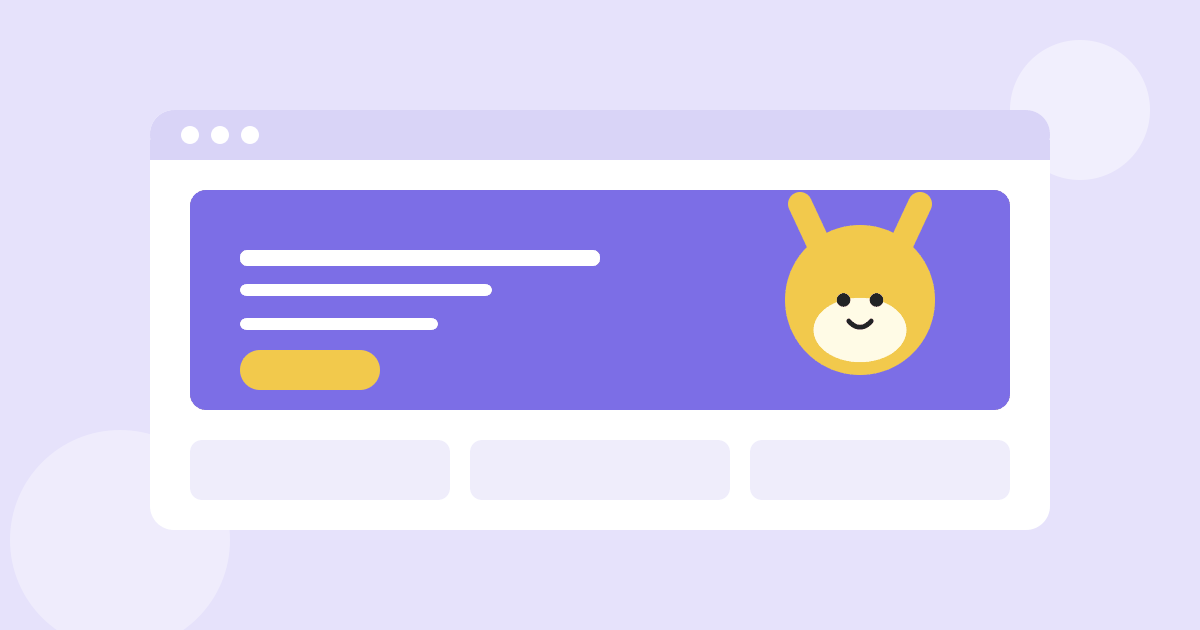
A banner is often the first thing people see of your brand: the top of your website, your YouTube channel, your Etsy shop or your stand at a fair. Each place has its own size and rules.
Common digital sizes
- Website hero: 1920×600 to 1920×1080 px; keep text in the centre 1200 px.
- YouTube channel art: 2560×1440 px; the safe area for all devices is 1546×423 px in the middle.
- X (Twitter) header: 1500×500 px.
- LinkedIn personal cover: 1584×396 px.
- Facebook page cover: 1640×624 px (displays differently on mobile).
- Etsy shop banner: 3360×840 px.
- Display ads: 300×250, 728×90, 160×600 and 320×50 px.
Print banners
- Roll-up stand: usually 85×200 cm; keep the bottom 15 cm free, it hides in the stand.
- Vinyl banner: 100–150 DPI at full size is enough; vector art is best.
Design rules
- One message, one image, one action.
- Leave room for profile photos and buttons that cover parts of social banners.
- Use your mascot or illustration on one side and text on the other — it reads well and adapts easily to other sizes.
- Check the mobile crop before publishing.
Order tip
Ask for one master illustration with extra background on each side. Then every size can be cut from the same art without redrawing.
相关文章
查看全部 技巧与指南 Comics in content marketing: how brands use comic strips to explain and sell
Short comics explain products, share customer stories and make LinkedIn and Instagram posts people actually read. Formats, ideas and a simple production plan.
 技巧与指南 How much does a custom illustration cost? What really affects the price
Complexity, style, usage rights, revisions and deadline — a clear guide to what you pay for when you order a cartoon, logo or mascot, and how to get the best value.
 技巧与指南 平面设计师必备的15款最佳AI工具:不同创意项目如何选择
了解15款AI设计工具的优缺点、免费方案,以及插画、品牌设计和动画制作的实用建议。